Om produktet
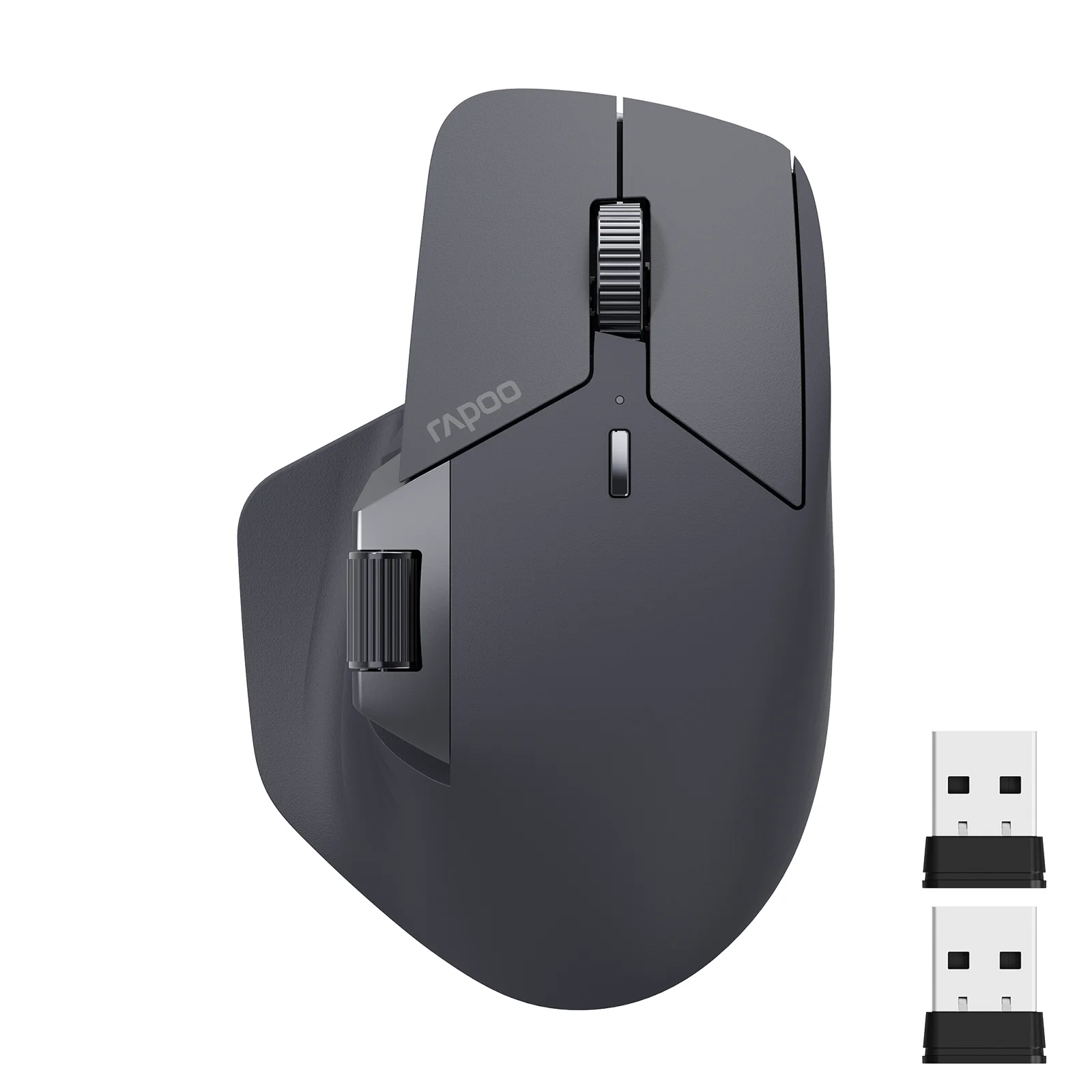
The Premiertek 2.4GHz Wireless Cordless Optical Mouse offers a practical solution for navigating your PC or laptop without messy cords. Designed for daily computing tasks, this black mouse provides a comfortable grip and reliable optical tracking across various surfaces.
Høydepunkter
- 2.4GHz wireless transmission with up to 10 meters of operating distance
- Optical tracking sensor works on almost any surface except glass
- Equipped with 3 keys, including a scroll wheel
- Plug-and-play installation with automatic driver loading
- Compact dimensions measuring 3.75 inches by 2.25 inches by 1.4 inches
- Powered by 2 AAA alkaline batteries with a low voltage alarm function
Design and Connectivity
This standard mouse features a soft-touch finish and a comfort grip designed for extended everyday use. Operating on a 2.4GHz wireless frequency, it allows you to glide across your desk without the restriction of a physical cord. The included USB receiver is compact and can be conveniently stored in the bottom of the mouse when not in use.
Built-in mouse memory ensures that no re-recording is needed after you replace the batteries. An integrated power switch lets you turn the device on and off to help manage energy levels during periods of inactivity.
Performance and Compatibility
The optical tracking method records movement efficiently, offering a maximum DPI of 800 for steady cursor control. It boasts a fast wake-up time of less than 0.2 seconds and features low power consumption alongside a low voltage alarm function to warn you when battery levels drop.
System requirements include an available USB port and compatibility with various operating systems ranging from older versions up to modern setups, as well as Chromebooks. The setup process is straightforward, requiring you to plug in the receiver, load the automatic drivers, insert 2 fresh AAA batteries, and switch the device on.
General Care and Usage
To keep your wireless optical mouse functioning smoothly, wipe the exterior gently with a dry or slightly damp cloth to remove dust and oils. Avoid using harsh chemical cleaners or submerging any part of the device in liquid.
When storing or traveling with the mouse, remember to turn the power switch to the off position to prevent accidental battery drain. Placing the tiny USB receiver inside its designated compartment on the bottom of the mouse prevents it from getting lost in transit.
Spørsmål kunder stiller
What batteries does this wireless mouse require?
This mouse requires 2 AAA alkaline batteries, which are not included in the package.
Does the mouse require a mouse pad?
No, you can glide across your desk without a mouse pad because the optical sensors work on almost any surface, with the exception of glass.
How do I install the mouse on my computer?
Turn off the mouse, connect the USB receiver into an available USB port on your computer, wait about 10 seconds for the driver to load automatically, install 2 fresh AAA batteries, and then turn on the mouse.
What operating systems are supported?
System requirements include compatibility with various Windows systems, Chromebooks, and an available USB port.
Fashnal skrev denne beskrivelsen ut fra annonsen hos eBay med hjelp av KI og sjekket den mot annonsen. Størrelser, farger og lager kan endre seg, så sjekk dem i butikken før du kjøper.